Streamlining SSH Execution from Your Dashboard
Execute commands on cloud VMs directly from your dashboard with Orquesta. Streamline workflows without terminal switching and enhance productivity.
Introduction
In today's fast-paced development environment, efficiency and seamless workflows are paramount. Developers often find themselves switching between interfaces, particularly when executing commands on cloud VMs. This constant switching can disrupt the flow of work and lead to inefficiencies. Fortunately, Orquesta offers a solution that enhances your productivity by allowing you to execute SSH commands directly from your dashboard. In this article, we’ll explore the advantages of this feature and how it can streamline your development process.
Understanding SSH Execution
SSH, or Secure Shell, is a protocol that allows secure remote access to servers and cloud virtual machines. It is widely used by developers to manage their cloud infrastructure efficiently. However, traditional methods of SSH execution often involve jumping between different terminal applications and dashboards, which can be cumbersome. Orquesta simplifies this by integrating SSH execution into a single platform, reducing friction in your development workflow.
Benefits of SSH Execution in Orquesta
-
Centralized Management: With Orquesta, you can manage all your SSH connections from one centralized dashboard. This eliminates the need to switch between multiple terminal windows and GUIs, making it easier to focus on your tasks.
-
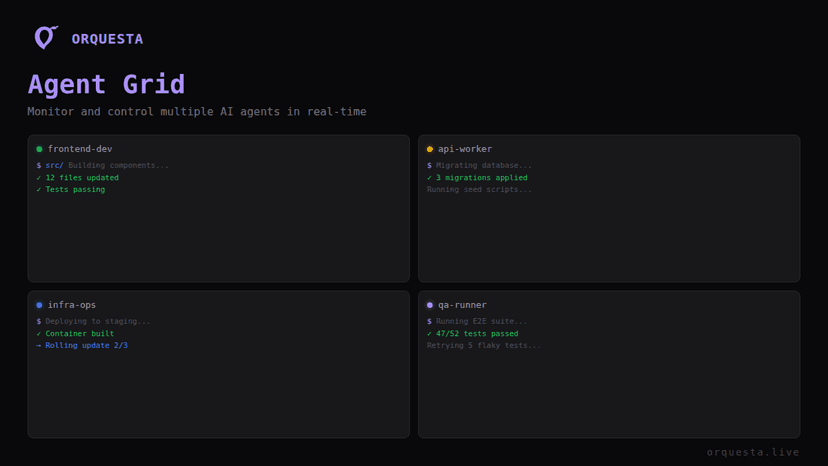
Real-Time Monitoring: Orquesta’s Agent Grid feature allows you to monitor multiple agents in real-time. This means you can see the status of your commands as they execute, without the need to leave your dashboard.
-
Enhanced Team Collaboration: Collaborating with your team is simplified with Orquesta’s real-time logs and git-native workflows. Everyone can see what commands have been executed and their outcomes, fostering better communication and accountability.
-
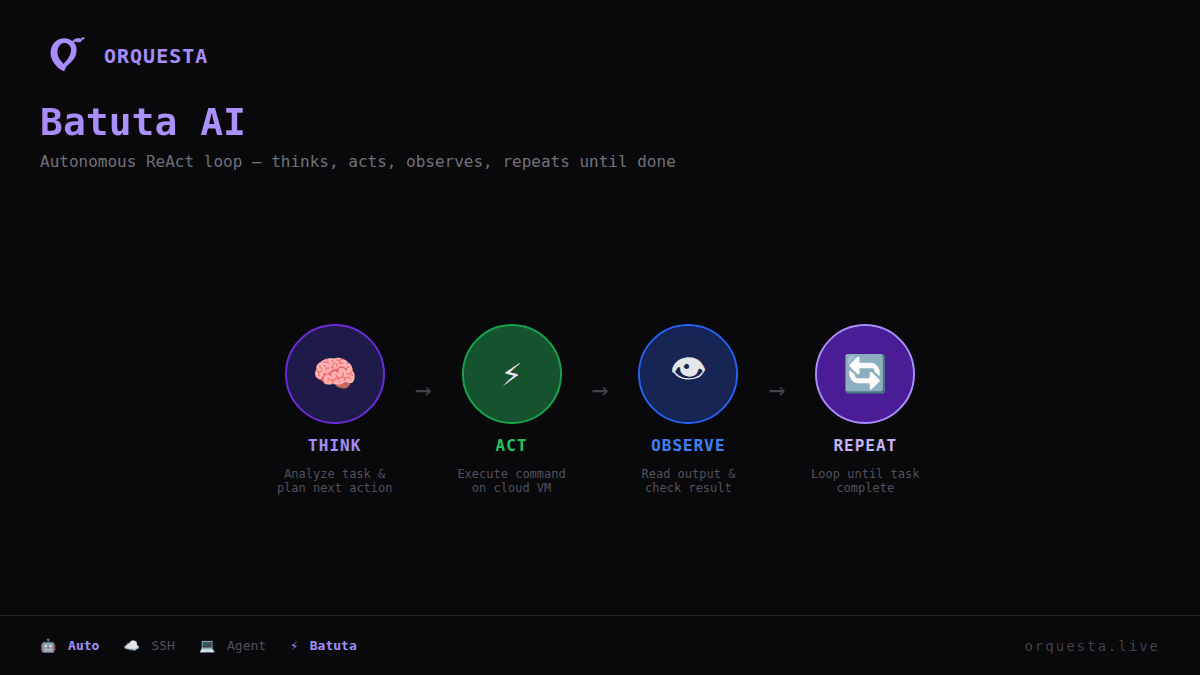
Autonomous Execution with Batuta AI: Batuta AI utilizes the ReAct loop to autonomously manage SSH execution. This means that commands can be executed without manual input, making your workflows even more efficient.
-
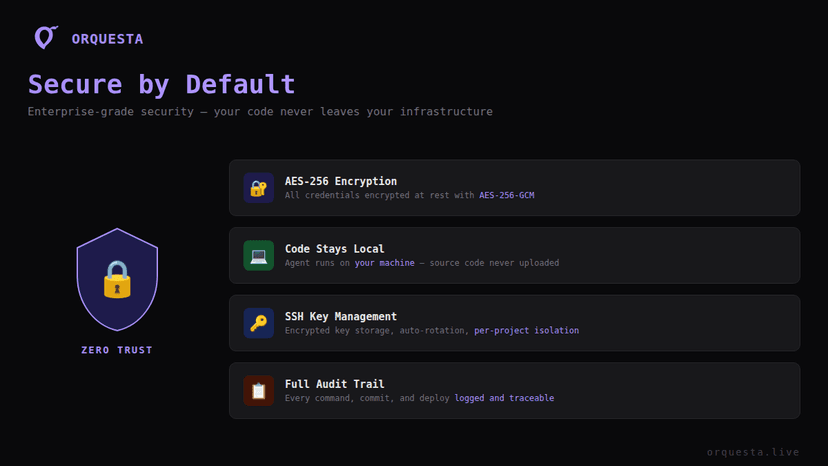
Local Security with AES-256 Encryption: Orquesta prioritizes your security. With AES-256 encryption, your code remains local, ensuring that sensitive information does not leave your environment while executing commands.
How to Execute Commands on Cloud VMs via Orquesta
The process of executing commands on cloud VMs through Orquesta is straightforward and user-friendly. Here’s a step-by-step guide:
Step 1: Set Up Your Environment
To get started, ensure that you have Orquesta installed and set up on your local machine. This includes configuring your SSH keys and connecting to your cloud VMs.
Step 2: Access the Dashboard
Open the Orquesta dashboard. Here, you will find the SSH execution tool integrated into your workspace.
Step 3: Choose Your VM
Select the cloud VM you wish to connect to from the list displayed on your dashboard. Orquesta provides a clear interface showing all available VMs.
Step 4: Execute Commands
In the provided command input area, type the command you wish to execute. With the integration of Batuta AI, you can also set commands to run autonomously if needed. Hit enter, and watch as the command executes in real-time through the logs displayed on your dashboard.
Step 5: Review Output
Once the command has been executed, review the output directly in your dashboard. This allows you to quickly assess the success or failure of the command without needing to switch contexts.
Best Practices for SSH Execution
To make the most of your SSH execution capabilities, consider the following best practices:
- Use Descriptive Commands: When executing commands, use clear and descriptive names for scripts. This will make it easier for you and your team to understand the purpose of each command.
- Monitor Performance: Continuously monitor the performance of your commands using the real-time logs provided by Orquesta. This can help identify any bottlenecks that may arise during execution.
- Collaborate with Your Team: Share insights and outputs from your SSH executions with your team. This collaborative approach ensures everyone is on the same page and can assist in troubleshooting or optimizing commands.
- Keep Security in Mind: Regularly update your SSH keys and follow best practices to maintain security. Make sure that only authorized team members have access to execute commands on sensitive VMs.
Conclusion
Executing commands on cloud VMs directly from your dashboard is a game-changer for teams looking to enhance their productivity and streamline their workflows. Orquesta’s integration of SSH execution, combined with features like real-time monitoring and team collaboration, makes it easier than ever to manage your cloud infrastructure. By eliminating the need for terminal switching, developers can focus on what truly matters: writing quality code and delivering value.
Are you ready to transform the way you manage your cloud VMs? Start using Orquesta today and experience the seamless integration of SSH execution that can elevate your development process to new heights.
Tags
["SSH Execution", "Cloud VMs", "Orquesta", "DevOps Tools", "Productivity"]
Ready to ship faster with AI?
Start building with Orquesta — from prompt to production in minutes.
Get Started Free →