CLAUDE.md Sync: Ensuring AI Agents Follow Team Standards
Discover how CLAUDE.md sync enforces coding standards for AI agents, ensuring consistent code quality and style across your team with every execution.
Maintaining consistency and enforcing coding standards is a challenge every development team faces, especially when AI agents are involved in generating and deploying code. At Orquesta, we developed CLAUDE.md sync—an innovative feature that ensures AI agents adhere to your team's coding standards seamlessly. Let's explore how this integration bolsters team consistency and why it's a cornerstone for reliable AI-driven development.
The Need for Consistency
When working across a team, especially a large one, the importance of coding standards can't be overstated. Standards ensure that code is readable, maintainable, and free from common errors. Traditionally, teams enforce these through manual code reviews, linters, and automated testing. However, with AI agents generating and deploying code, there's a new dimension to manage—automated consistency across outputs from every agent.
Enter CLAUDE.md sync.
What is CLAUDE.md Sync?
CLAUDE.md sync is our answer to automating the enforcement of your coding standards across AI agents. It's a document where teams define their coding rules and guidelines, ranging from style conventions to architectural patterns or even specific linting configurations. Once set, these standards are automatically enforced on every execution by any AI agent linked to your Orquesta dashboard.
How It Works
- Central Definition: Teams write and maintain their coding rules in a CLAUDE.md file within the Orquesta dashboard. This file becomes the single source of truth for your coding standards.
- Automatic Enforcement: Every time an AI agent executes a task, CLAUDE.md sync ensures that the generated code adheres to the defined standards. This includes formatting, use of libraries, naming conventions, and more.
- Feedback Loop: Agents provide real-time feedback on compliance, helping developers understand adherence levels or where deviations occur.
Here's a simple example of what a CLAUDE.md entry might look like:
# CLAUDE.md

## Formatting
- Use 4 spaces for indentation
- Line length should not exceed 80 characters

## Naming Conventions
- Variable names must be camelCase
- Class names should be PascalCase

## Security
- Use prepared statements to prevent SQL injection
Integration into Workflow
Integrating CLAUDE.md sync into your workflow is straightforward. Once your CLAUDE.md file is prepared and uploaded to the dashboard, it becomes inherently active. As team members submit prompts, the AI agent checks each resulting code snippet against these rules.
Benefits and Use Cases
- Reduced Code Reviews: With standards enforced at the agent level, teams can reduce the time spent on manual reviews, focusing instead on architectural or algorithmic issues.
- Onboarding New Developers: New team members can quickly align with the team's practices. As they submit prompts, the feedback from CLAUDE.md sync serves as an educational tool.
- Consistency Across Teams: For organizations with multiple teams or departments, maintaining a consistent codebase becomes manageable.
An Example Workflow
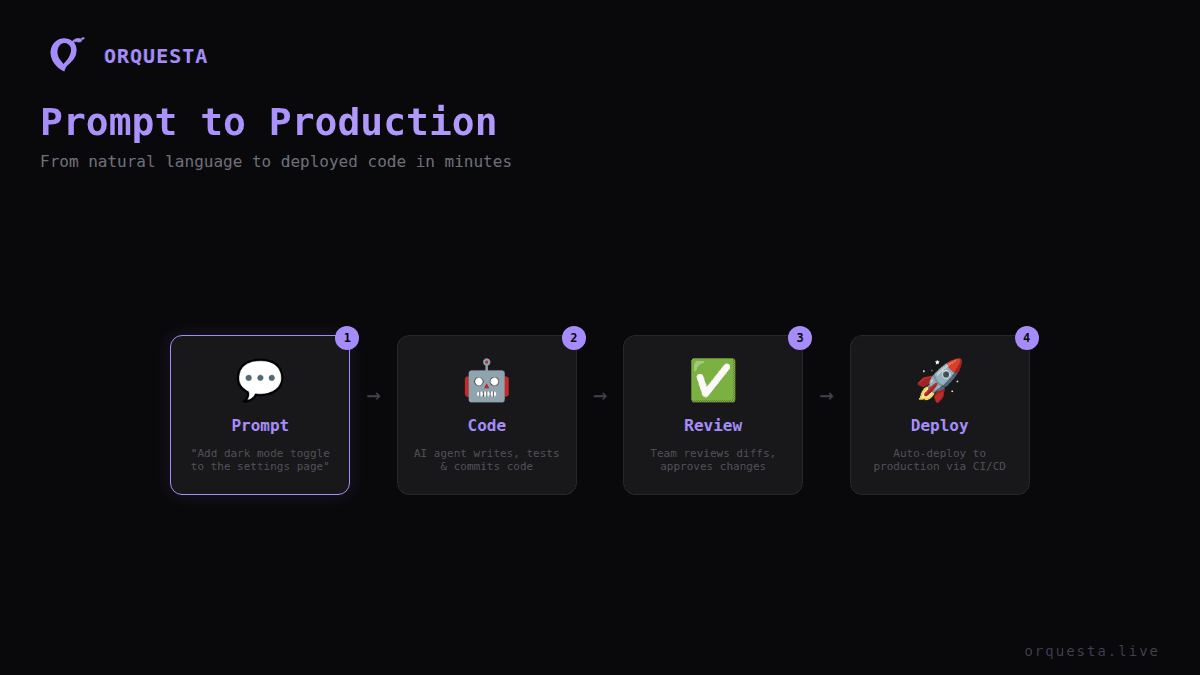
Imagine a scenario where a developer submits a prompt to add a new feature. Here's how CLAUDE.md sync works in this context:
- Prompt Submission: The developer writes a prompt detailing the new feature requirements.
- Execution: The AI agent processes the prompt and generates the necessary code.
- CLAUDE.md Check: Immediately, the generated code is checked against the CLAUDE.md standards.
- Feedback: If any discrepancies are found, they are highlighted for the developer to review and adjust.
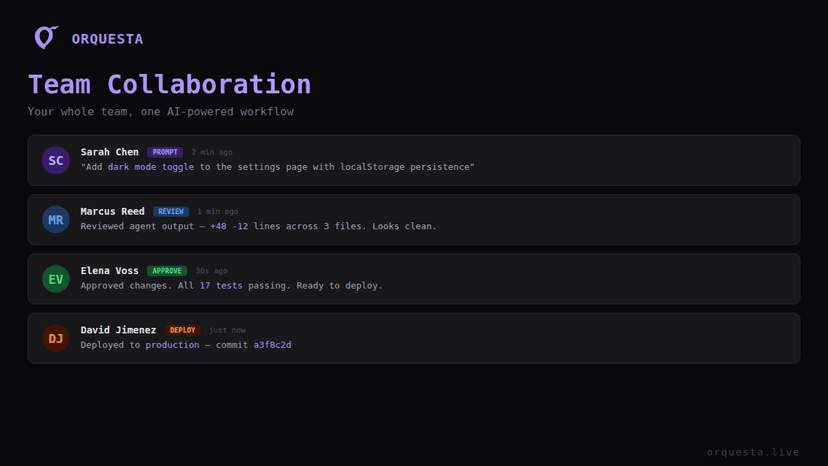
- Sign-Off: Once compliant, the changes are committed and pushed, with automatic notification to the team lead for final approval.
CLAUDE.md Sync: A Key to Reliable AI Development
Enforcing coding standards across AI-generated code is not just about maintaining quality—it's about creating a reliable development framework where AI agents can work autonomously yet predictably. With CLAUDE.md sync, we've managed to provide teams with a tool that brings consistency, reduces friction, and harmonizes AI contributions with human efforts.
The takeaway? If your team relies on AI agents, investing time in defining and refining your CLAUDE.md file can pay dividends in the long run, ensuring your codebase remains robust, readable, and aligned with your organizational standards.
Ready to ship faster with AI?
Start building with Orquesta — from prompt to production in minutes.
Get Started Free →