Streamline DevOps: Use Telegram Bot for AI Commands
Discover how to leverage Telegram bots to send prompts to your AI agents, enabling DevOps management directly from your phone with Orquesta.
Introduction
In an age where agility and efficiency are paramount, managing DevOps tasks from your phone can be a significant advantage. With Orquesta's Telegram bot integration, you can seamlessly send prompts to your AI agents from anywhere. This capability not only enhances remote work but also simplifies the process of managing your deployments and code updates. In this article, we’ll explore how to utilize the Telegram bot feature effectively, unlocking the power of AI-driven DevOps on the go.
Why Use a Telegram Bot for AI Commands?
The integration of Telegram bots into your DevOps workflow provides numerous benefits:
- Accessibility: Send commands from your phone, making it easier to manage tasks while on the move.
- Real-time Interaction: Receive immediate feedback and updates directly on Telegram, keeping you informed without needing to switch contexts.
- Efficiency: Quickly execute commands without the need for complex setup or switching to a different application.
- Enhanced Collaboration: Share updates and results with your team instantly, fostering better communication and decision-making.
Setting Up Your Telegram Bot
Getting started with the Telegram bot integration in Orquesta is straightforward. Here’s how to set it up:
Step 1: Create Your Telegram Bot
- Open Telegram and search for the BotFather.
- Start a chat and use the command
/newbotto create a new bot. - Follow the prompts to name your bot and create a username.
- Once created, you’ll receive an API token. Save this; you’ll need it later.
Step 2: Connect Your Bot to Orquesta
- Log in to your Orquesta account.
- Navigate to the Integrations section.
- Select Telegram Bot and enter the API token you received from BotFather.
- Configure any additional settings such as command prefixes or notifications.
Step 3: Sending Prompts
Now that your bot is set up, you can start sending prompts:
- Basic Prompt Command: Type a command such as
/run [your_prompt]to execute a specific task. - Status Updates: Use commands like
/statusto check the health of your agents or the progress of ongoing tasks.
Example Commands
Here’s how you can structure your commands:
/run deploy-feature-x
/status current-deploy
/send report
This simplicity empowers you to execute commands without needing a full development environment.
Real-time Monitoring with Telegram
One of the standout features of Orquesta’s Telegram bot is real-time monitoring. You can:
- Receive Logs: Get logs directly in your chat as your commands execute, allowing for immediate troubleshooting.
- Error Alerts: Set up alerts for specific error messages, so you’re notified right away when something goes wrong.
- Agent Status: Keep track of multiple agents and their statuses without leaving the Telegram app, ensuring you’re always in the loop.
Collaborate with Your Team
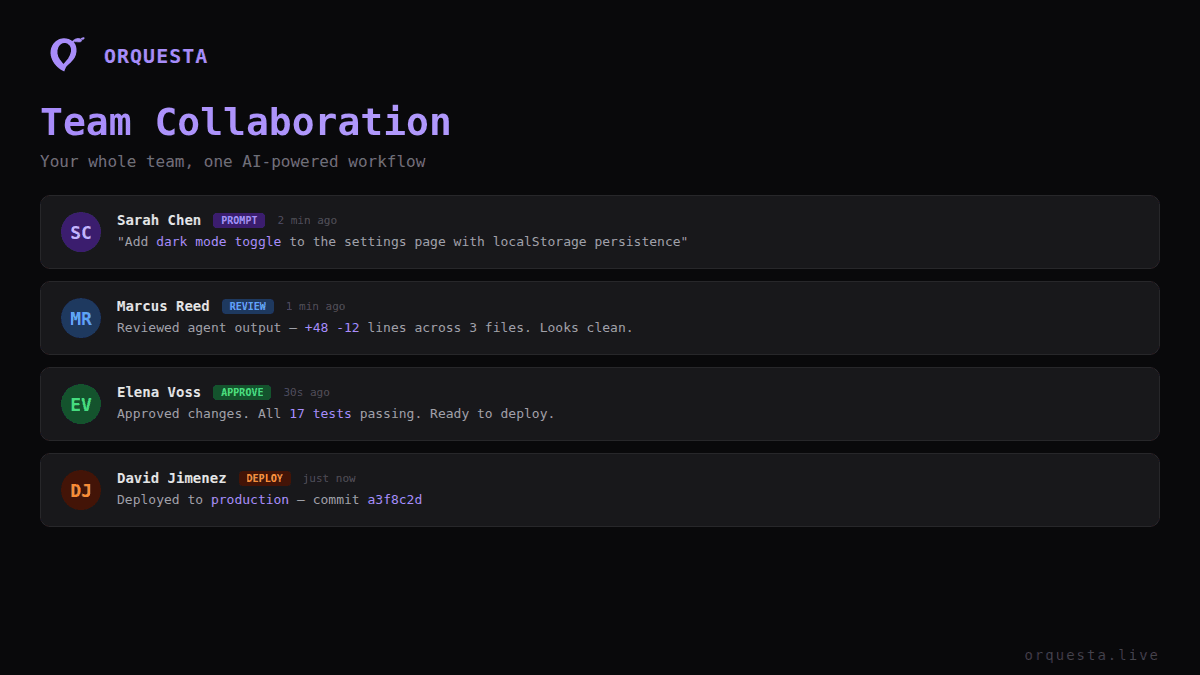
The Telegram bot also enhances team collaboration:
- Group Commands: Manage tasks in group chats, allowing teams to coordinate efforts on deployments and other tasks.
- Share Results: Instantly share logs or outputs with your team, helping everyone stay informed and engaged.
- Task Assignments: Assign tasks through the bot, making it easier to manage workloads without the need for extensive meetings.
Security Considerations
While using a Telegram bot offers convenience, it’s essential to maintain security:
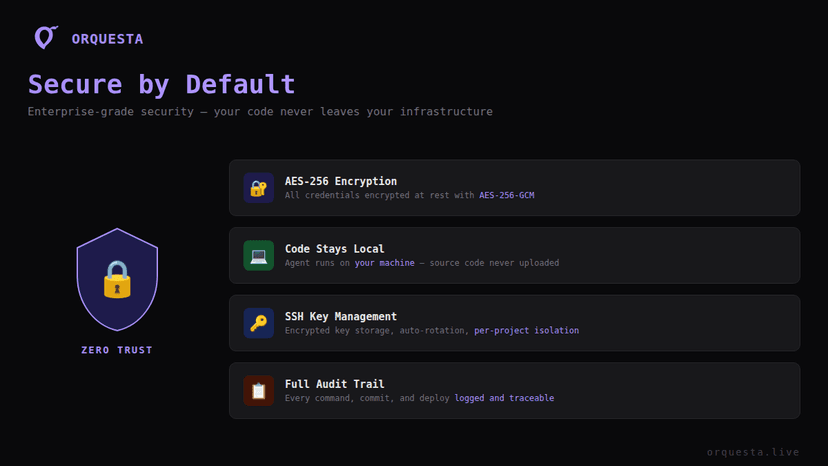
- AES-256 Encryption: Orquesta ensures that all commands and data exchanged via the bot are encrypted, keeping your code and sensitive information secure.
- Local Execution: Since Orquesta runs a local AI agent on your machine, your code never leaves your network, further enhancing security.
Conclusion
Integrating a Telegram bot into your DevOps workflow using Orquesta allows for a streamlined, efficient method of managing tasks from your mobile device. By leveraging the real-time capabilities and collaborative features of Telegram, you can maintain high productivity levels, even when you are away from your desk.
Ready to take your DevOps management to the next level? Set up your Telegram bot today and experience the benefits of sending prompts to your AI agents directly from your phone!
Call to Action
Explore the Orquesta platform at Orquesta.live and start leveraging AI for your development tasks today. Take control of your DevOps with just a few taps on your phone!
Ready to ship faster with AI?
Start building with Orquesta — from prompt to production in minutes.
Get Started Free →