Orquesta CLI: Connect Local LLMs to Cloud Dashboard
Discover how Orquesta CLI enables seamless local coding with centralized tracking for LLMs, enhancing collaboration and efficiency in your projects.
Introduction
In an age where Artificial Intelligence is reshaping how we develop software, having the right tools is essential. Enter Orquesta CLI, an innovative command-line interface that seamlessly connects your local large language models (LLMs) to the Orquesta cloud dashboard. This allows developers to code locally while tracking changes and managing projects centrally. In this article, we'll explore the functionalities of Orquesta CLI and how it enhances your development workflow.
What is Orquesta CLI?
Orquesta CLI is a powerful tool designed for developers who want to leverage local LLMs efficiently. By integrating local coding environments with cloud capabilities, Orquesta CLI provides a streamlined experience where coding, tracking, and collaboration occur without friction.
Key Features of Orquesta CLI
- Local AI Agent: Run Claude CLI on your machine, enabling you to leverage AI directly in your development process.
- Cloud Dashboard Integration: Sync your coding environment with the Orquesta dashboard, ensuring centralized tracking of all your projects.
- Real-Time Logs: Keep tabs on your execution history and performance metrics without leaving your terminal.
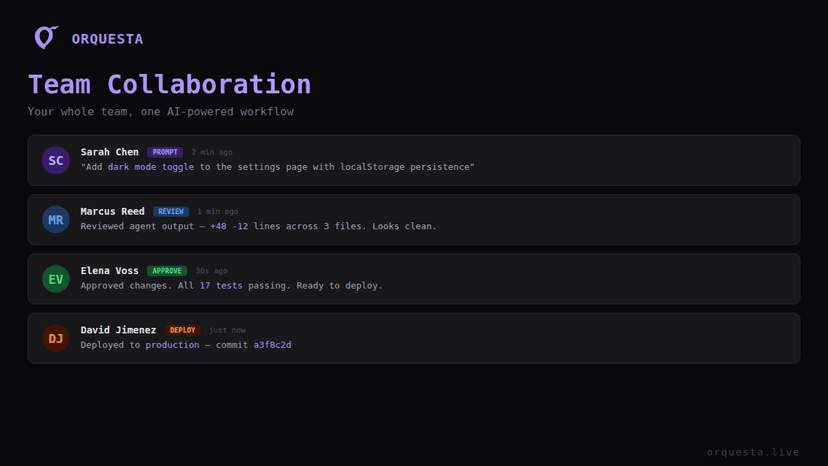
- Team Collaboration: Invite teammates to work in the same environment, making it easy to collaborate without SSH access.
- Security: With AES-256 encryption, your code stays local and secure, ensuring that sensitive data is protected.
How Orquesta CLI Works
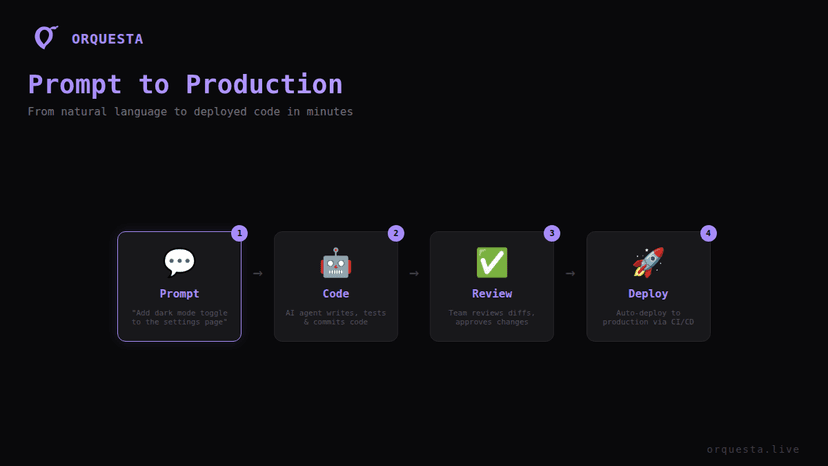
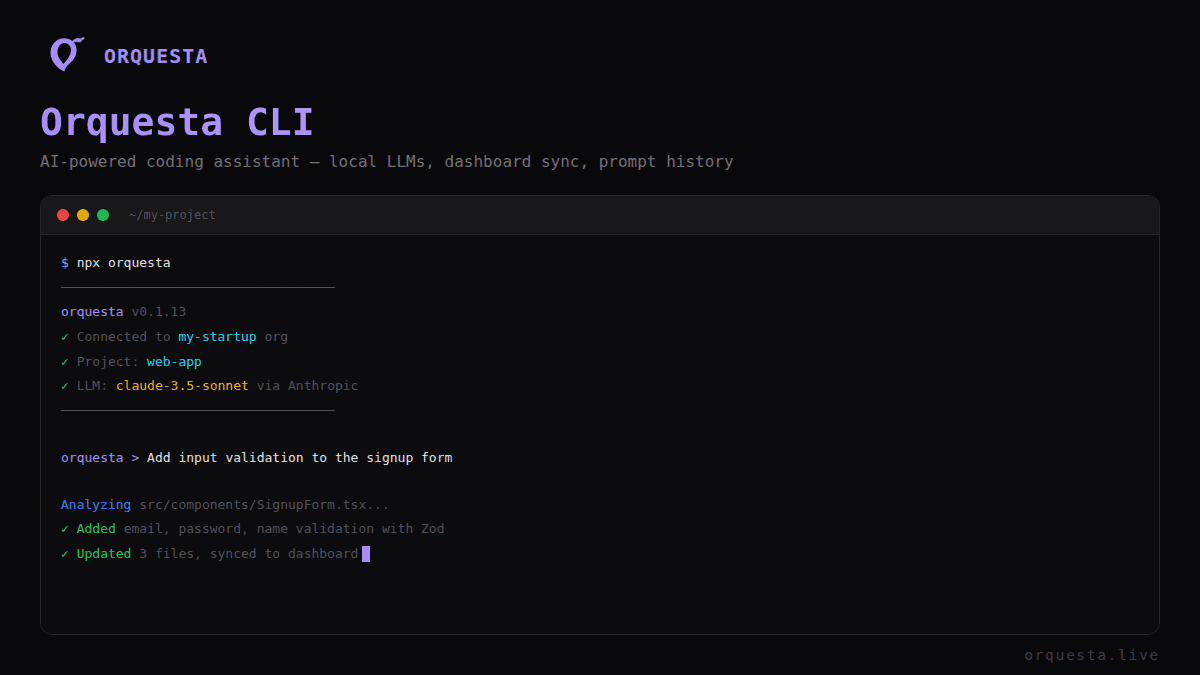
Orquesta CLI acts as a bridge between your local development environment and the Orquesta cloud platform. It allows you to execute prompts locally while keeping a record of all actions in the cloud dashboard. Here’s how it works:
- Setup: After installing Orquesta CLI, configure it to connect with your Orquesta account. This process involves linking your local AI agent and the cloud dashboard.
- Execution: Write your code or prompts in your local environment. When you execute commands using the CLI, they are carried out by your local LLM.
- Logging: All actions, including prompt history and execution logs, are automatically sent to the cloud dashboard. This means you can track changes and performance metrics centrally.
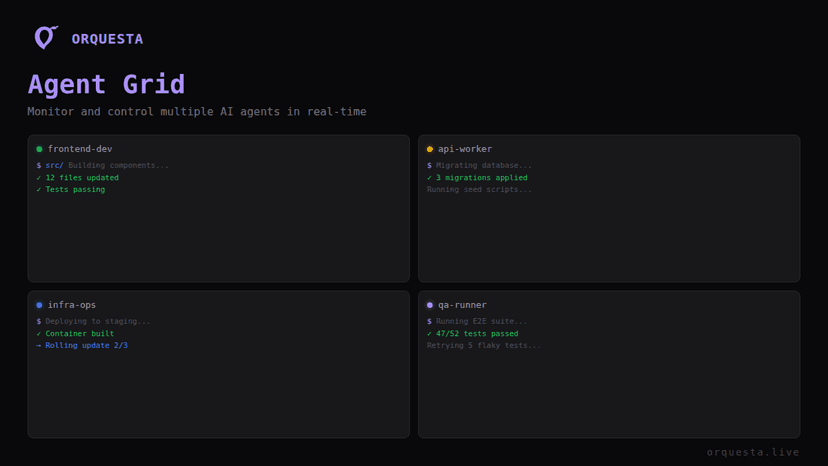
- Real-Time Monitoring: Use the Agent Grid feature to monitor multiple agents and their activities from one screen.
Local Development with Cloud Advantages
One of the standout features of Orquesta CLI is its blend of local development with cloud advantages. Here’s why this is beneficial:
- Faster Iteration: Develop and test your code locally, reducing latency. You get to iterate quickly without the delays often associated with cloud deployments.
- Centralized Tracking: Keep a cohesive view of all project activities in the cloud dashboard. You can easily analyze performance and track changes across multiple projects.
- Enhanced Collaboration: Invite team members to execute prompts in your environment, enabling collaborative development. They can submit their code without needing SSH access.
Customization and Control
Customization is at the heart of Orquesta CLI. You can tailor your execution environment to fit your specific workflow:
- CLAUDE.md Sync: Maintain coding standards by syncing with your CLAUDE.md file.
- Environment Variables: Pass environment variables directly from the dashboard to your local agent, simplifying configuration.
- Execution Modes: Select from four execution modes (Auto, SSH, Agent, Batuta) depending on your project needs, offering flexibility in how you interact with your resources.
Managing Agents with Orquesta CLI
Managing multiple agents is a breeze with Orquesta CLI. The Agent Grid feature allows you to:
- Monitor: See all connected agents in real-time, ensuring everything is running smoothly.
- Customize: Assign unique configurations and permissions for each project, allowing for tailored workflows.
- Live Terminal Access: Team members can access the terminal for real-time collaboration and debugging.
Full Control with Custom Rules
Orquesta CLI ensures developers have full control over their coding environment. By implementing custom rules, you can maintain quality and security across projects:
- Quality Gates: Set up quality gates where the AI simulates changes, requiring team lead sign-off before executing.
- Role-Based Permissions: Define who has access to what. This ensures that sensitive projects are protected by limiting access to authorized users only.
- Audit Trails: With everything logged, you can review prompt history, execution logs, and even git diffs to ensure accountability.
Conclusion
Orquesta CLI is not just a tool; it's a powerful companion for developers looking to connect local LLMs with cloud capabilities. By bridging local execution and centralized tracking, it enhances collaboration, speeds up development processes, and maintains security. Whether you're working solo or as part of a larger team, Orquesta CLI delivers the flexibility and control you need.
Start leveraging Orquesta CLI today and transform your development workflow. Visit Orquesta to learn more and get started.
Call to Action
Ready to experience the power of Orquesta CLI? Sign up for a free account today and take your coding projects to the next level. Enhance your productivity and collaboration with our AI-powered platform.
Ready to ship faster with AI?
Start building with Orquesta — from prompt to production in minutes.
Get Started Free →